
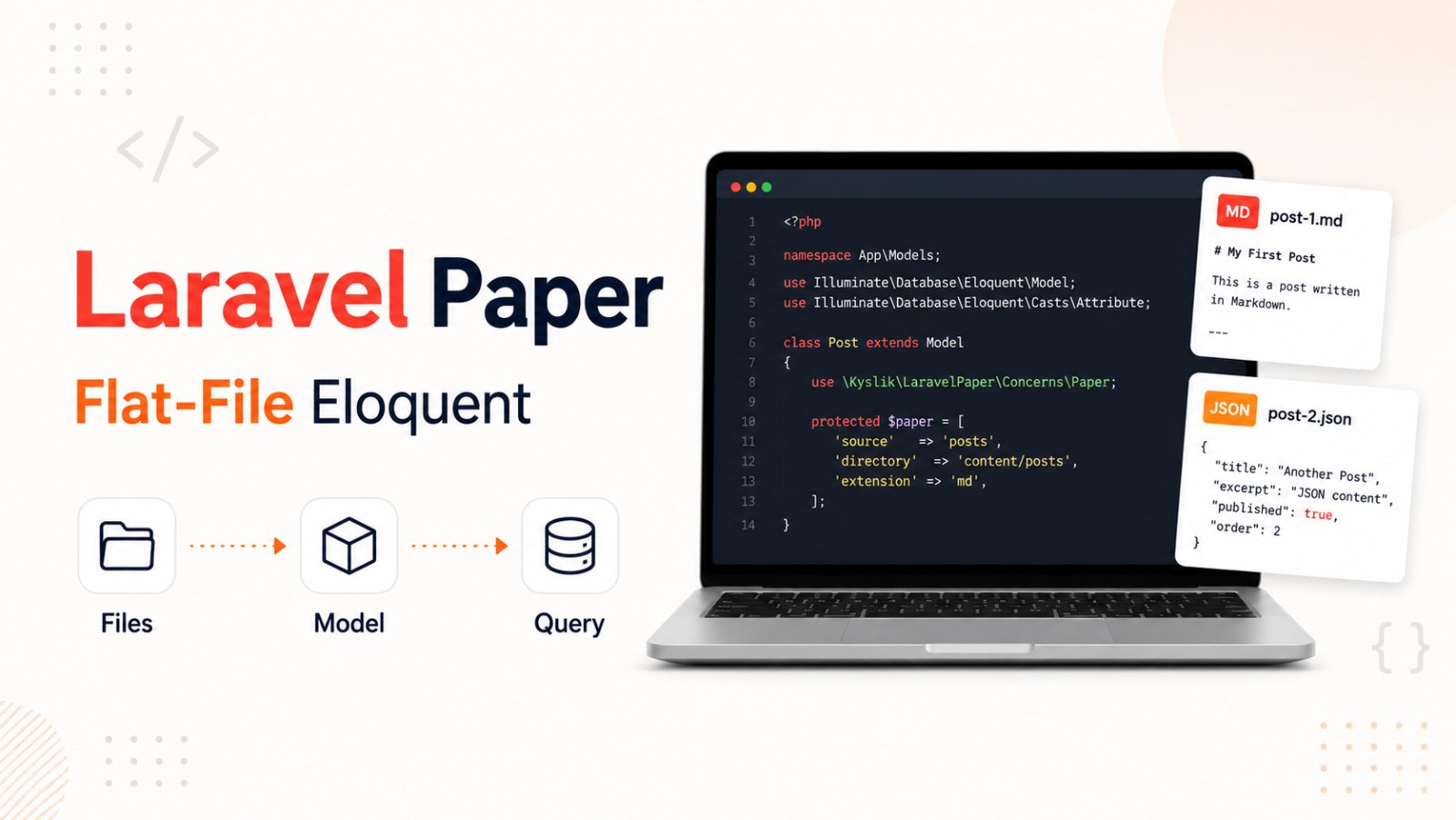
Laravel Paper: Use Markdown and JSON Files as Eloquent Models
Laravel Paper brings Eloquent-style querying to Markdown and JSON files in Laravel. A practical flat-file approach for docs, product catalogs and small content systems.
Not every piece of content in a Laravel application needs a database.
For documentation, small product catalogs, changelogs, static pages or lightweight content systems, creating tables, migrations and CRUD screens can sometimes feel unnecessary.
Laravel Paper, created by Jacob Jørgensen, brings Eloquent-style behavior to flat-file data sources such as Markdown and JSON.
In simple terms: it lets you treat files like models.
What Is Laravel Paper?
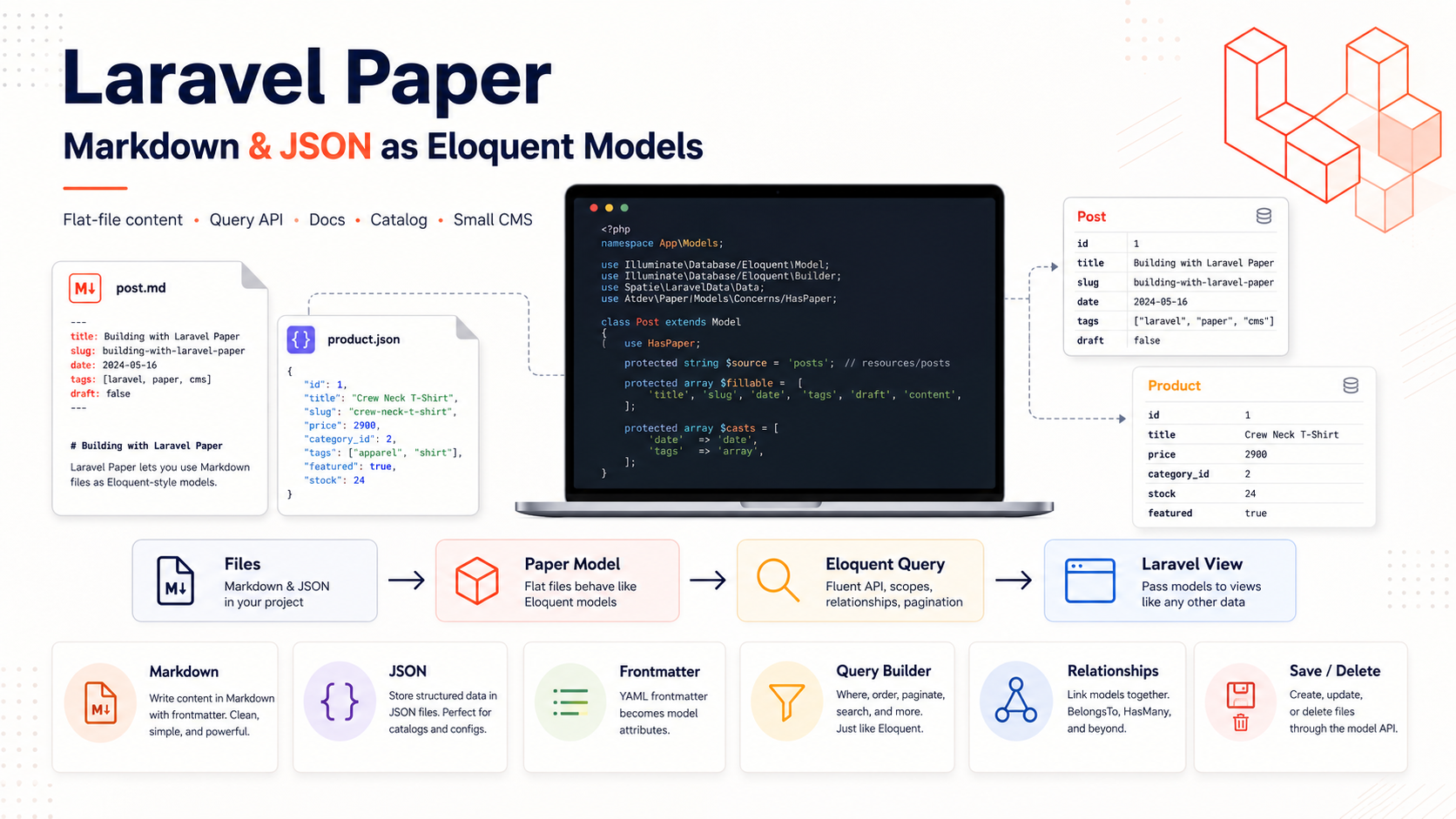
Laravel Paper allows you to map an Eloquent model to a directory of Markdown or JSON files.
Instead of storing content in a database, you can store it in folders like:
content/docs
content/products
content/pages
Each file behaves like a record.
The filename becomes the slug.
Frontmatter or JSON data becomes model attributes.
Example Markdown file:
---
title: Architecture Overview
version: v1.0
labels: [api, core]
priority: 1
---
Markdown content starts here…
You can then query this file like a Laravel model.
Turning Files into Models
A model can be mapped to a content directory using the Paper trait and PHP attributes:
use Illuminate\Database\Eloquent\Model;
use JacobJoergensen\LaravelPaper\Attributes\ContentPath;
use JacobJoergensen\LaravelPaper\Attributes\Driver;
use JacobJoergensen\LaravelPaper\Paper;
#[Driver('markdown')]
#[ContentPath('content/docs')]
class Document extends Model
{
use Paper;
}
No database connection is required.
No migrations are needed.
No table has to be created.
Just place files in the directory and start querying.
Querying File Data
Because Laravel Paper follows an Eloquent-style interface, you can use familiar query methods:
$docs = Document::where('version', 'v1.0')
->orderBy('priority', 'asc')
->get();
Find a page by filename:
$setup = Document::find('initial-setup');
Search arrays or text fields:
$tagged = Document::whereContains('labels', 'api')->get();
$found = Document::whereLike('subtitle', '%configuration%')->get();
This gives you a Laravel-like workflow while keeping the content stored as files.
File-Based Relationships
Laravel Paper also supports relationships between flat-file models.
Example:
public function category()
{
return $this->belongsToPaper(Category::class);
}
Or:
public function subPages()
{
return $this->hasManyPaper(Document::class);
}
Relationships can be resolved through fields stored in frontmatter, such as:
category_slug: api
This is useful for documentation, catalogs or small content systems.
Managing Files Through Eloquent
Laravel Paper also supports writing and deleting files.
Create a new file:
$doc = new Document();
$doc->slug = 'new-guide';
$doc->title = 'Architecture Overview';
$doc->content = 'Markdown content starts here...';
$doc->save();
This creates:
content/docs/new-guide.md
Delete a file:
$outdated = Document::find('old-api-guide');
$outdated?->delete();
So you can manage file-based content using an Eloquent-like API.
Installation
Install the package with Composer:
composer require jacobjoergensen/laravel-paper
Requirements:
PHP 8.4+
Laravel 12+
Markdown and JSON are supported. For Markdown, YAML frontmatter is used for metadata.
When Should You Use Laravel Paper?
Laravel Paper is useful for:
- Documentation
- Small product catalogs
- Technical blogs
- Changelogs
- Static content pages
- Small CMS workflows
- Git-managed content
It works best when your data is simple, file-friendly and does not require heavy database features.
When Should You Avoid It?
Laravel Paper is not ideal for:
- Orders
- Payments
- User accounts
- Realtime inventory
- Chat messages
- Analytics data
- Write-heavy data
- Transactional systems
For complex business data, traditional databases are still the better choice.
Conclusion
Laravel Paper is a useful package for Laravel developers who want to manage Markdown and JSON content like Eloquent models.
It lets you query files, define relationships and save or delete content using a familiar Laravel-style workflow.
If you are building documentation, a small catalog or a simple content system in Laravel, Laravel Paper is worth trying.